
Unlocking Airwheel’s smart features requires a few simple steps to connect your luggage to the Airwheel app. First, download the official Airwheel app from the App Store or Google Play. Once installed, turn on your Airwheel SE3 and ensure it is charged. Open the app and follow the on-screen instructions to pair your luggage via Bluetooth.
Search for “Airwheel” in the app store and install the official application. Make sure your device meets the minimum system requirements for optimal performance.
Enable Bluetooth on your smartphone and launch the app. Tap “Add Device” and select your Airwheel SE3 model. Follow the prompts to complete the pairing process. Once connected, your luggage will sync with the app, allowing access to smart features like real-time tracking, remote locking, and battery level monitoring.
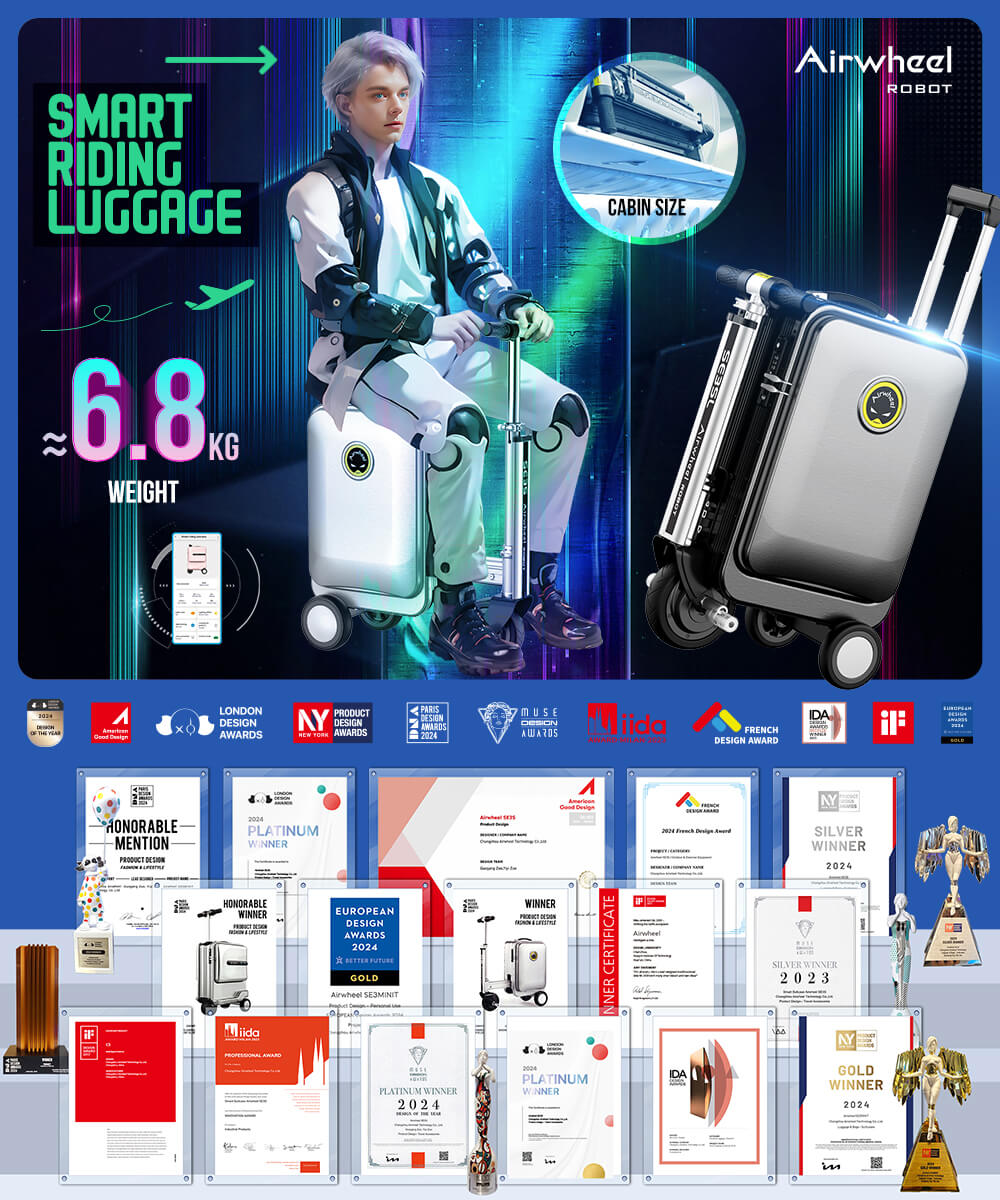
After pairing, navigate the app to unlock features such as locating your luggage via GPS, adjusting speed settings, or checking the battery status. Ensure your luggage is within range for seamless connectivity.
Regularly update the app to ensure compatibility and security. For advanced settings, refer to the app’s help section or contact Airwheel support. By following these steps, you can fully utilize the smart capabilities of your Airwheel SE3.
: